Getting started
From an empty folder to reading your own history: get a package or build the app, open a backup, and know exactly what happened to your data along the way. Nothing here needs an account, a network, or anyone's permission.
Get the app
Pure Vault is a paid desktop app. A one-time license is described on the buy page. Email contact@purevault.app until checkout is connected. No signed, notarized public installer has been published. Unsigned packages are not a substitute for a notarized build. Source access is private.
Try the fictional sample
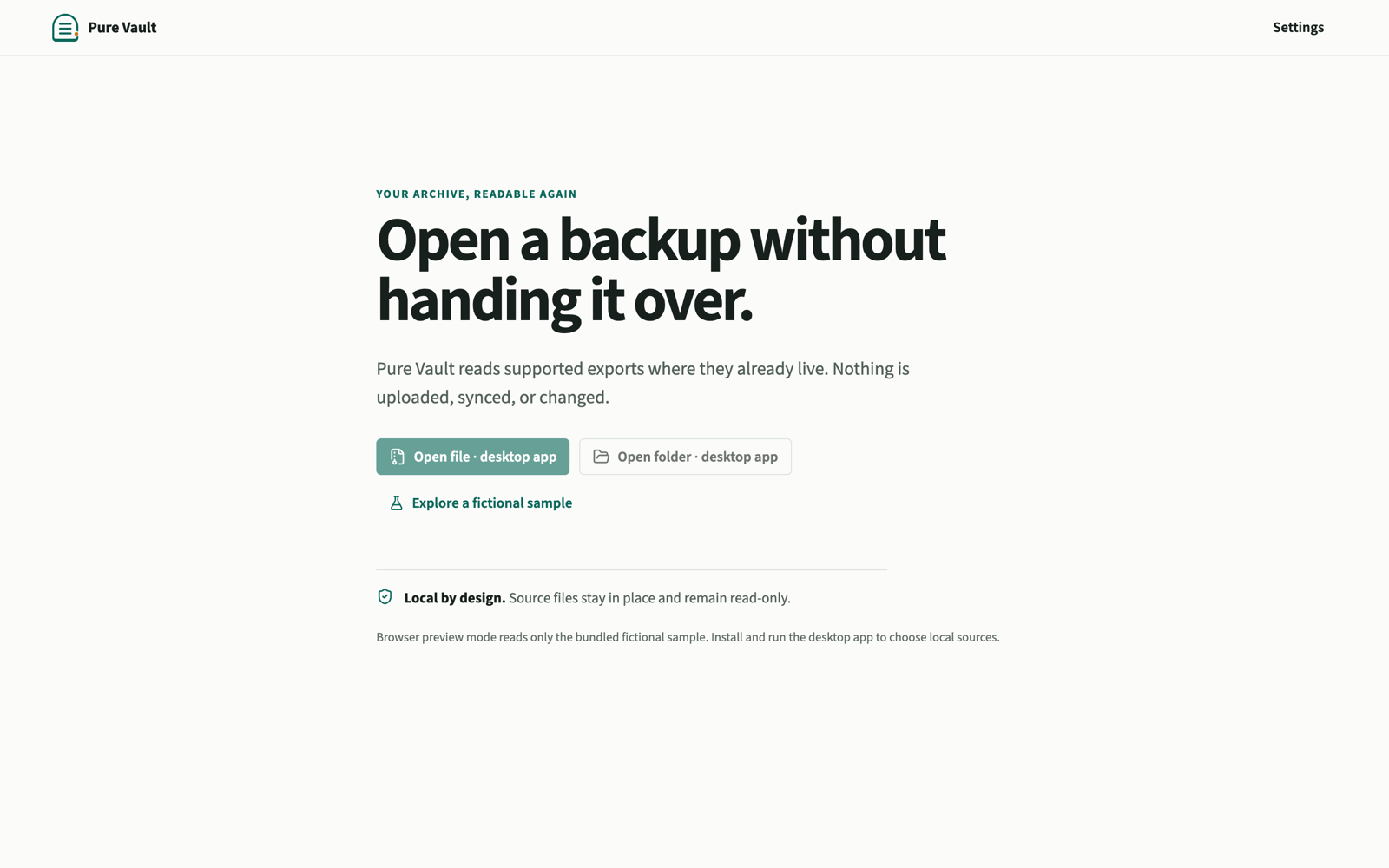
The empty state offers a fully fictional sample: a mixed phone export with conversations, notes, contacts, events, media, bookmarks, and files. It exists so you can learn every viewer, and every honest edge like partial imports and unknown skip counts, without pointing the app at anything personal.
Sample content is visibly labeled, down to the source line reading "Pure Vault sample generator". If a screen ever looks like someone's real archive, it is not; the people in it, like Mara Vale and Avery Rowan, do not exist.
Open a backup
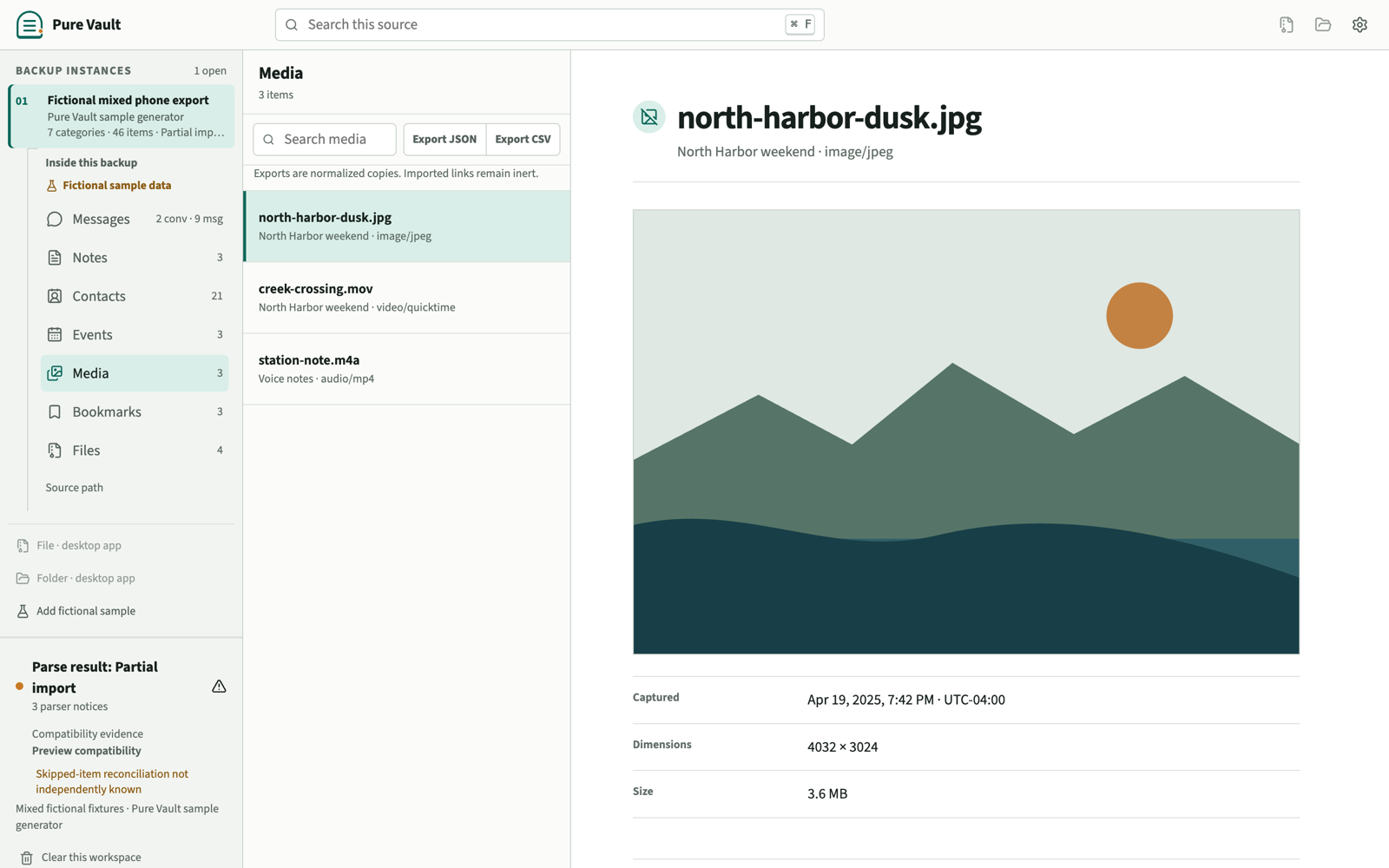
Use Open file for a single export file, or Open folder for an export directory or a folder of media. ZIPs open as files and are read in place, never extracted. Native pickers are the only way to grant access, and the grant is exact:
- Selecting one file authorizes only that file. If a conversation references sibling attachments, open the containing export folder to preview them.
- Each selection becomes its own numbered backup instance in the left rail, with its categories, counts, parse result, and evidence tier.
- Keyboard people are covered: Cmd/Ctrl+O opens a file, Cmd/Ctrl+Shift+O a folder, and Cmd/Ctrl+F focuses search.
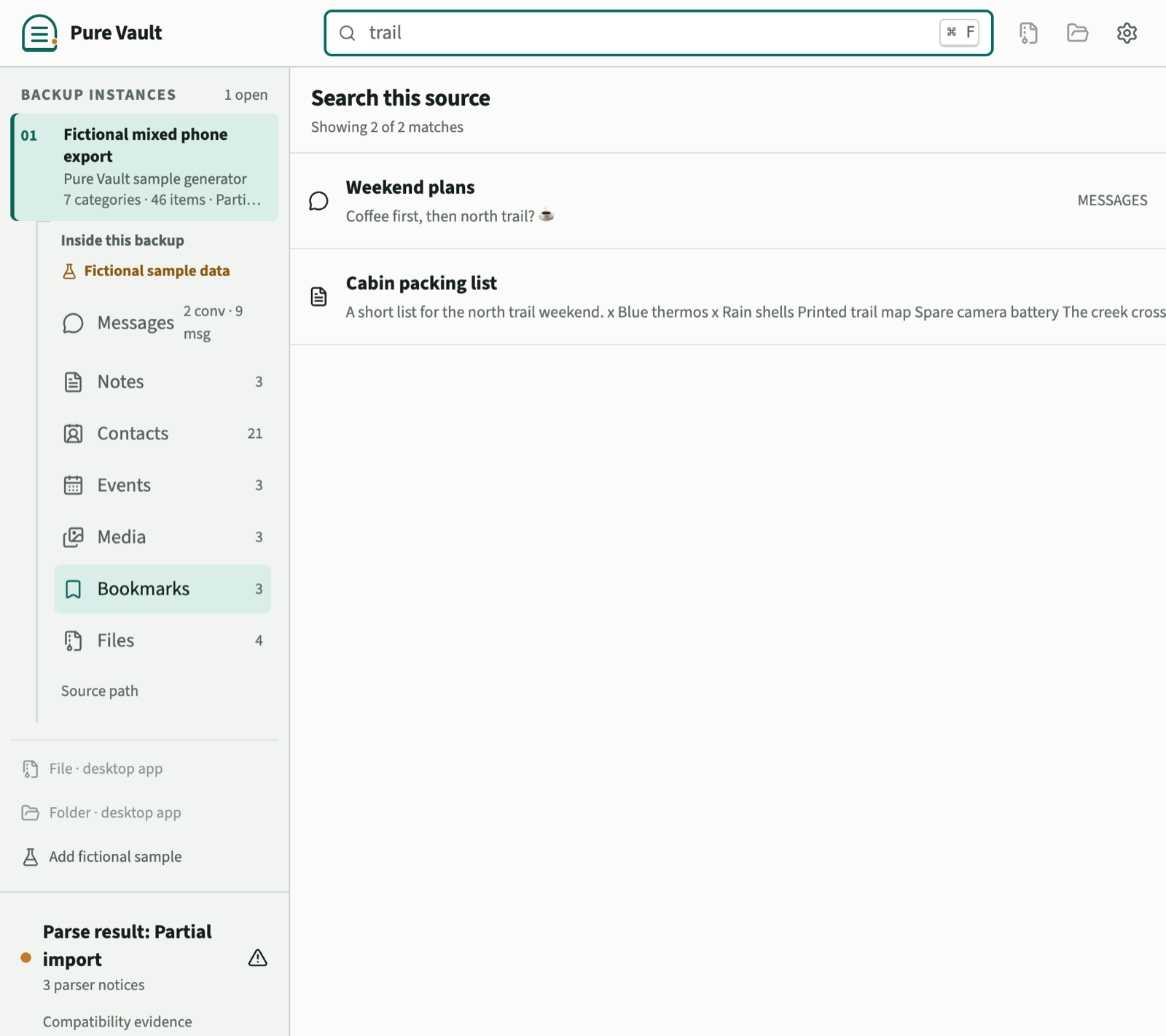
Formats are detected from content, so a Takeout-style folder can legitimately produce messages, notes, contacts, and media at once. Check the parse result before trusting your read: partial imports say so, list their parser notices, and report unknown skip reconciliation as unknown.
Conversation views
Message threads can use an inspired-by conversation view: WhatsApp, iMessage, Messenger, SMS, Telegram, Signal, or Pure Vault. Pick it from Conversation view in the thread. The choice is stored per backup as a hash of the path, not as a copy of the path. These are inspired-by skins, not clones of those apps.
Export normalized copies
Reading happens in place, but you can write a normalized copy of any open collection when you want one file you control:
- Export JSON preserves the full envelope: items, provenance, diagnostics, and evidence, with exact normalized strings.
- Export CSV is a spreadsheet-friendly presentation with category-appropriate columns. Cells that begin with formula characters are defensively prefixed, and the JSON export remains the fidelity-preserving one.
Every export starts with a native save dialog, writes to a brand-new file, and refuses to overwrite anything, including the source itself. Nothing is exported unless you ask.
Clear a workspace
Each open backup is a process-memory workspace. Clear this workspace forgets its imported content, source path, search state, and media previews; the original files are untouched because the app only ever had them read-only. Quitting releases every workspace at once.
Sessions intentionally do not resume: on the next launch there is no cached content, only your display preferences. If you switch on Remember opened backups, the app also keeps a short list of where past backups live so you can reopen one without hunting through a picker again; it stores pointers and detection details, never anything from inside the backup. One honest caveat: clearing releases process references, which is not cryptographic memory erasure. An operating system can hold bytes in swap or crash artifacts beyond any application's reach.
App password
You can set an optional app password. Remembered backup locations are encrypted while it is on. Original export files on disk are not. An optional YubiKey (HMAC-SHA1) can be required as a second factor. This does not use the internet. It is not FIDO2, SMS, or TOTP, and slot 2 must already be programmed HMAC-SHA1. Resetting the app password forgets the remembered list. Original files are not deleted.
Updates
Pure Vault never checks a network for updates. There is no in-app updater and no update ping. Download a newer package from GitHub Releases or build from source, then replace the application. Your original exports stay where you left them. Display preferences and the optional remembered-backup list live in the PureVault folder described below; replacing the app does not delete that folder.
Uninstall
To remove Pure Vault from this computer:
- Quit the application.
- Delete the Pure Vault .app bundle from your Mac.
- If you also want the remembered-backup list, app password, and display preferences gone, delete
~/Library/Application Support/PureVaultfrom your Mac.
Clearing a workspace, resetting the app password, or deleting that folder never deletes your original export files. Those stay wherever you stored them. Settings in the application also spell this out under This computer.