Privacy
Your backups stay in the desktop app. Buying an official package creates a separate purchase record for payment and delivery.
Effective September 22, 2026
This website
- No cookies, no analytics, no trackers. The site uses local fonts and images and does not run analytics or advertising trackers. Its purchase and download pages contact our purchase service.
- Checkout and delivery. Buying opens a Stripe-hosted checkout page, where Stripe collects your email and payment details under its own privacy policy. We store the purchase email, Stripe transaction identifiers, amount, currency, payment status, and email-delivery status in Supabase. Resend receives your email and private link to deliver the purchase message. Card details never enter our database. Private package files are delivered from Supabase Storage.
- Hosting logs. The site is served by a hosting provider, and like any web host it may keep short-lived technical request logs (IP address, user agent) to operate the service. The purchase service logs technical failure codes without emails, card details, or private-link tokens. Your private page token is sent in an authorization header for access checks; the token is stored as a hash in the database.
- Email. If you write to contact@purevault.app, the message goes to a human. It is used to reply and resolve payment or download problems. Purchase emails are transactional, not a mailing list. We do not sell your email or add it to marketing. Contact us to request access to or deletion of purchase information; some transaction records may need to be retained for accounting or legal requirements.
The application
Pure Vault is a local desktop program. Its privacy posture is architectural, not a policy promise layered on top:
- Nothing is uploaded. There is no account, telemetry, crash reporting, update ping, or network API. The typography is bundled; no font or asset is fetched at runtime.
- Sources stay read-only. Files and folders you select are opened read-only, and ZIPs are read in place without extraction. The app has no source-destructive actions.
- Selection is the only grant. Native pickers are the only way the interface can authorize a path, and selecting one file does not authorize its siblings.
- Workspaces are memory-only. Imported content, source paths, and search queries live in process memory. Clearing a workspace or quitting releases them. What persists is your display preferences and, only after you turn the feature on, a capped list of up to twelve previously opened backups. That list holds pointers and detection metadata: the path, source name, format, item count, size, and when you last opened it. It never records content from inside a backup, filenames from within it, or search text, and you can turn it off or clear it. This is a process-level promise, not cryptographic memory erasure: an operating system can retain bytes in swap or crash artifacts.
- Optional app password. You can set an optional app password. Remembered backup locations are encrypted while it is on. Original export files on disk are not. An optional YubiKey (HMAC-SHA1) can be required as a second factor. This does not use the internet. Resetting the app password forgets the remembered list. Original files are not deleted. Idle relock hides the UI and drops the lock key from process memory; it is not cryptographic RAM erasure, and open workspaces stay in memory until you clear them.
- Conversation views. The inspired-by conversation view you pick is stored with display preferences as a hash of the backup path, not as a copy of the path, and never as message content.
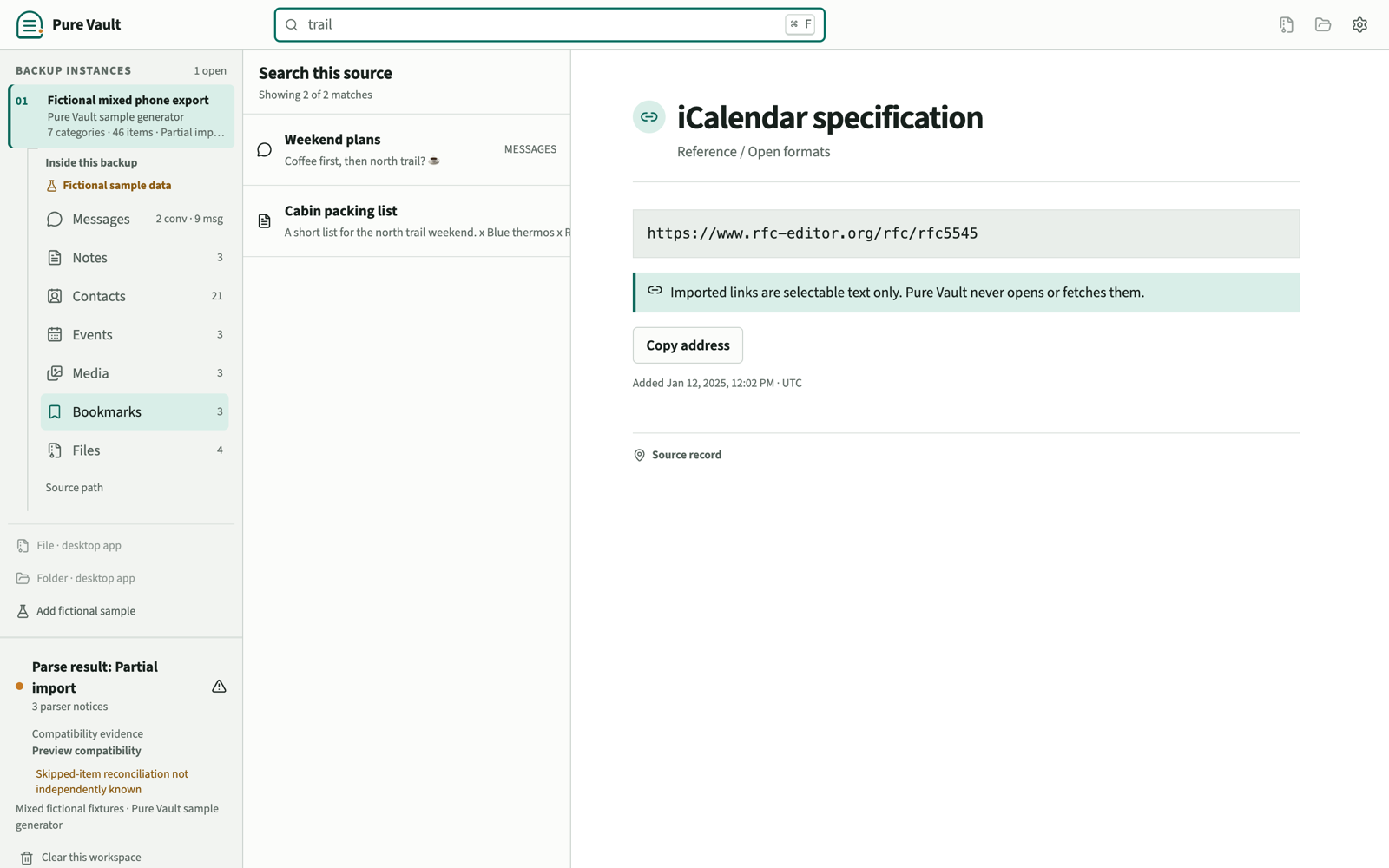
- Imported content cannot phone anywhere. HTML and Markdown from a backup are rendered inert, remote media URLs are never loaded, and bookmark addresses are copy-only text the app never opens.
- Exports are explicit. A normalized JSON or CSV copy is written only after you choose a destination in a native save dialog, always to a new file.
Deleting what the app stored
Imported content leaves process memory when you clear a workspace or quit. That does not delete your original exports. To remove Pure Vault from this computer, quit, delete the application, then delete the PureVault folder in your OS user config directory if you also want preferences, the remembered-backup list, and lock files gone. Step-by-step instructions are in the uninstall section.
Reporting a problem
If you believe you found a privacy or security problem, do not include real backup data in your report. Build a minimal fictional reproduction and email contact@purevault.app. Machine-readable contact details are published in security.txt.
Changes
If this page materially changes, the effective date above changes with it.
Pure Vault is operated by The Tailor Guild, LLC, a Maryland limited liability company. For privacy requests, contact contact@purevault.app.